In part 1, we looked at setting up Document Attach. In part 2 we’ll look at using it.
After setup is complete, open a transaction or master record that supports document attach. We looked at the list in part 1.
- Create the transaction or master record and click the paperclip icon in the upper right.
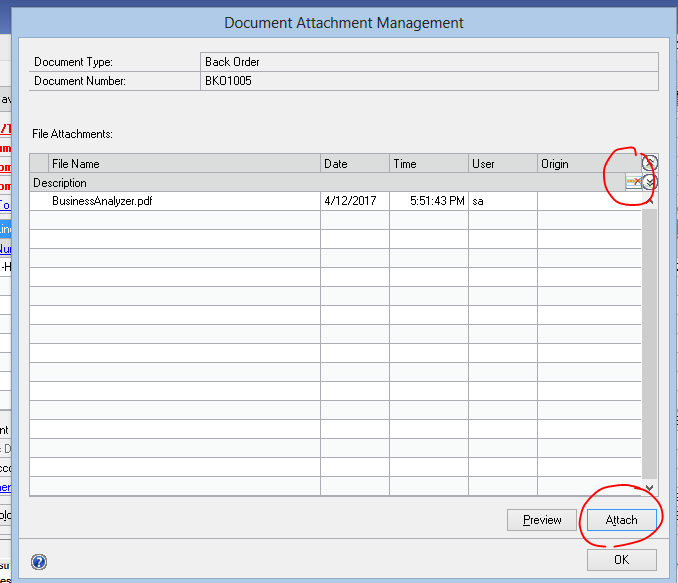
- Click Attach and pick a document to attach.
- Repeat this to attach additional documents. The Preview button will display the selected document.
- The red arrow icon on the right or right click + delete row can be used to remove a document.