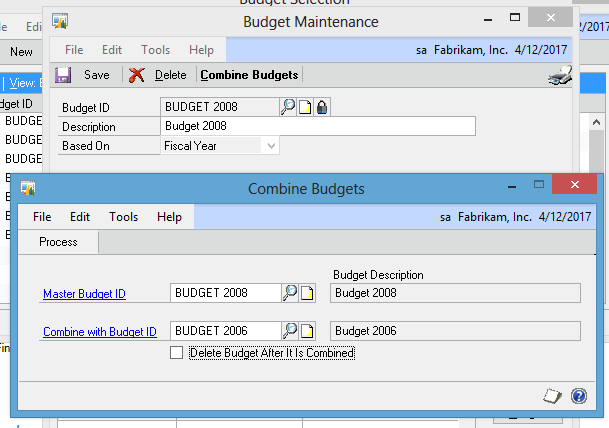
GP 2013 offers the long-awaited opportunity to combine budgets. It’s now possible push out partial budgets, bring them each into GP via the Excel upload and then combine them into a single budget.
To combine budgets, open a budget in GP and hit the Combine Budgets button. Enter the Master Budget ID in the first box. This is the ID that will be the combined budget.
In the second box enter the budget to be rolled into the master. You can also check the box to delete that budget once the combination is completed. That’s a pretty ambition move and I’m not sure that I would suggest it, certainly not for the first time.
When combining budgets, if the full account string exists on both budgets, the totals will be added together in the resulting Master Budget. Happy budgeting!