There are a few cases where it makes sense to clear data from tables in Dynamics GP. The classic case is when testing something like loading Fixed Assets into a test company. You may need to load, adjust, clear data and reload several times.
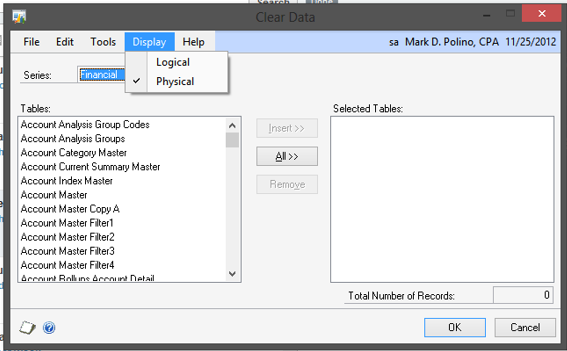
When you open Dynamics GP > Maintenance > Clear Data you get a list of logical tables to clear. Logical tables can actually include more than one table. To clear just a specific table, click Display and select Physical. This provides a list of physical tables that you can select to clear.