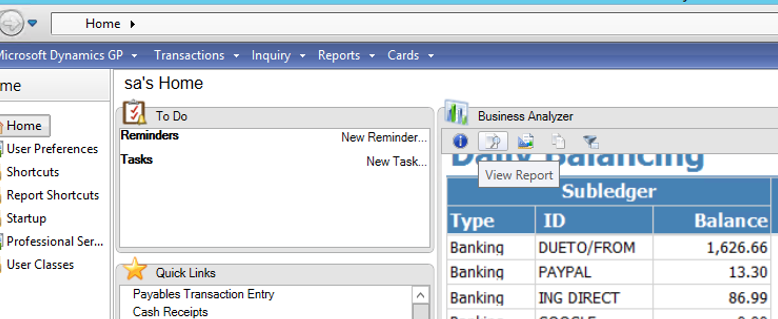
When you fire up Business Analyzer, either as a stand alone app or as a window on the GP home page, some reports are too small to read. Now, one options is to hover over the report and hit the View Report button to launch the report in a web browser, but that seems like overkill.
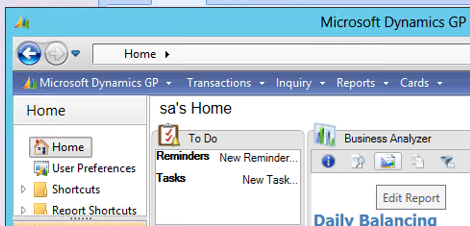
This is actually pretty easy to fix. The problem is that the report is formatted for a size larger than the window and it’s being automatically downsized to fit in the window. To fix this for a particular report:
1. In the Business Analyzer window, click the button with the popup caption Edit Report.
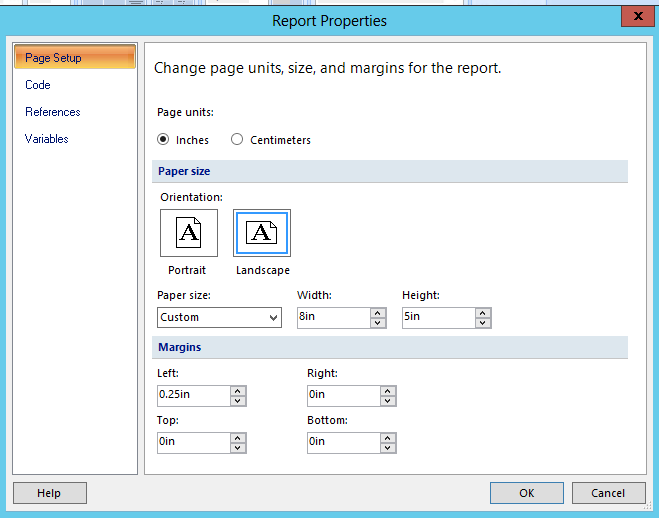
2. When the report opens in SQL Report Builder, right click on blank section at the edge of the report and pick Report Properties.
3. Set the paper size to custom and adjust the Height and Width to better fit on the screen. You may have to play with it a little to get it right. It’s also a good ideas to save this with a different name. Preferably something that indicates that it’s formatted for a screen.