
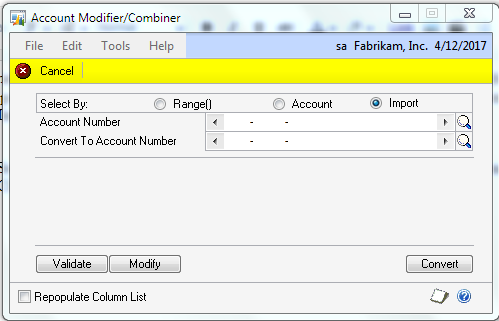
Now that the GP Professional Service Tools Library (PSTL) is free, I wanted to highlight that you can import the settings for many of the tools. For example, in Account Modifier/Combiner you can select Import to import files to be modified/combined.
- Select Validate to pick the file. PSTL will validate that the information is formatted correctly.
- Click Modify to actually import the information.
The PSTL manual indicates that you should use a Tab Delimitted file and that worked in my testing but I have had some users indicated that Tab Delimitted doesn’t always work. In those cases using a CSV file did work.
The ability to import changes makes using PSTL for large changes much easier.